> For AI agents: the complete documentation index is available at https://docs.halo.run/llms.txt, the full documentation bundle is available at https://docs.halo.run/llms-full.txt.
# Halo
文档
Halo 是一款强大易用的开源建站工具,可以通过丰富的主题和插件搭建任何类型的网站。这里汇集了安装、使用和开发
Halo 所需的全部文档。
[快速开始 →
](/guide/install/)
[Docker
](/guide/install/docker-compose)[1Panel
](/guide/install/1panel)[宝塔面板
](/guide/install/bt-panel)[更多方式
](/guide/install/)
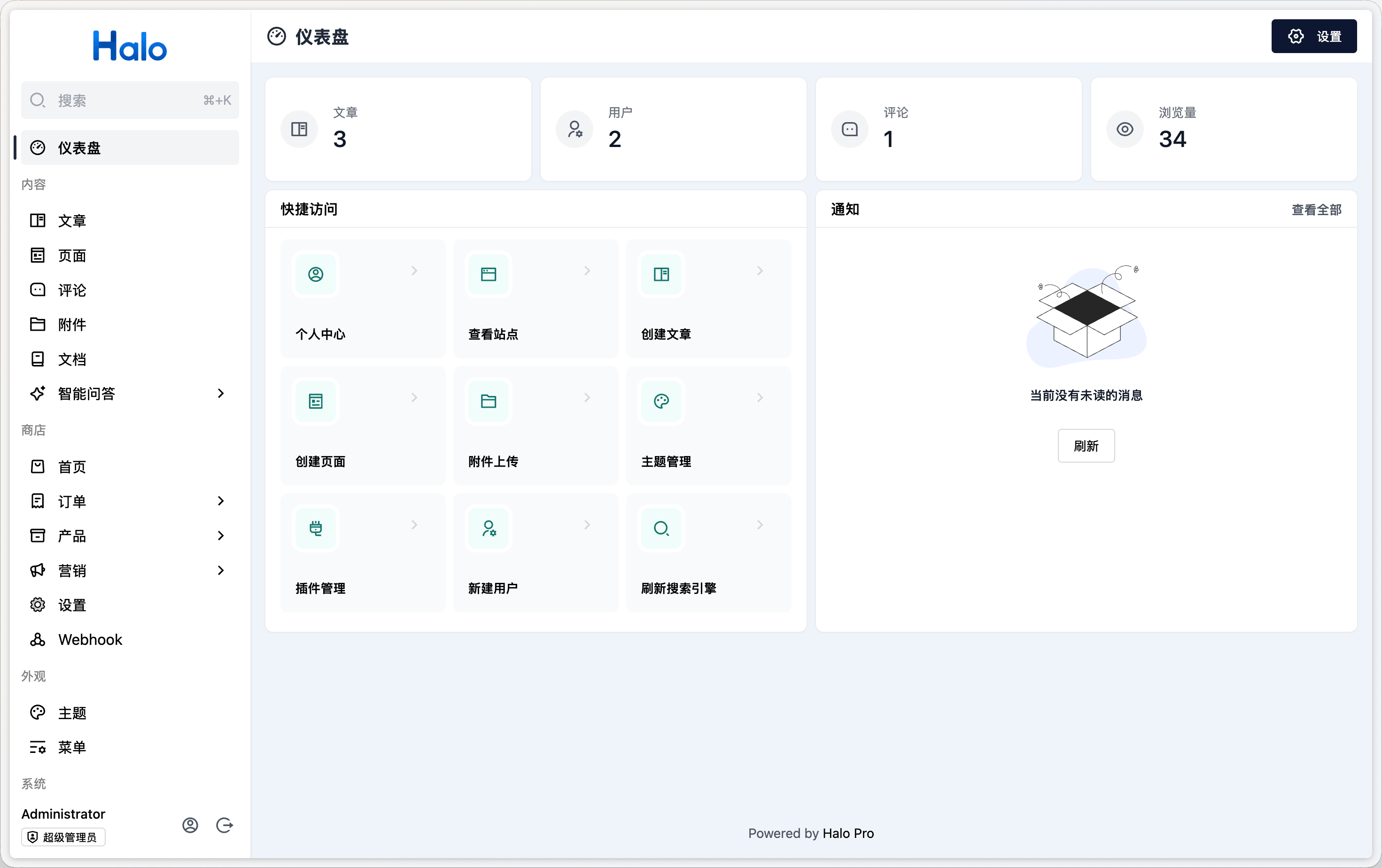
## 立即体验
### 在线 Demo 环境
[演示站点
↗
](https://demo.halocms.site)[管理后台
↗
](https://demo.halocms.site/console)
用户名
`demo
`密码
`P@ssw0rd123..
`
请勿在演示环境中上传或填写敏感信息。
### 本地 Docker 运行
使用本地 Docker 环境快速启动一个 Halo 实例。
******Docker CLI
`$
docker
run
-d
\--name
halo
-p
8090:8090
-v
\~/.halo2:/root/.halo2
halohub/halo:2.26
`
[查看完整安装文档 →
](/guide/install/docker-compose)生产环境推荐使用 Docker Compose
## 快速开始
[查看使用指南
](/guide/)
[安装之后
**初始化站点
**完成首次访问、创建管理员账号和基础设置,让站点正式跑起来。
**开始初始化
→
**](/guide/setup)[**发布第一篇文章
**熟悉内容编辑和发布流程。
→
](/guide/first-post)[**探索应用市场
**发现主题和插件,扩展站点能力。
↗
](https://www.halo.run/store/apps)
## 按主题浏览
### 使用 Halo
管理内容、外观、用户和站点设置。
[文章与内容
](/guide/use/posts)[主题
](/guide/use/themes)[附件
](/guide/use/attachments)[插件
](/guide/use/plugins)[系统设置
](/guide/use/settings)[用户与权限
](/guide/use/users)
[查看全部功能文档
→
](/guide/use/)
### 开发与扩展
为 Halo 构建应用或完成系统集成。
[插件开发
](/developer-guide/plugin/)[主题开发
](/developer-guide/theme/)[RESTful API
](/developer-guide/restful-api/)[系统开发
](/developer-guide/core/)[应用市场
](/developer-guide/app-store/)[表单定义
](/developer-guide/form-schema)
[查看开发者指南
→
](/developer-guide/)
**没有找到需要的内容?
**查看常见问题,或到社区论坛提问。
[常见问题
](/guide/faq)[GitHub
↗
](https://github.com/orgs/halo-dev/discussions)[社区论坛
↗
](https://bbs.halo.run)